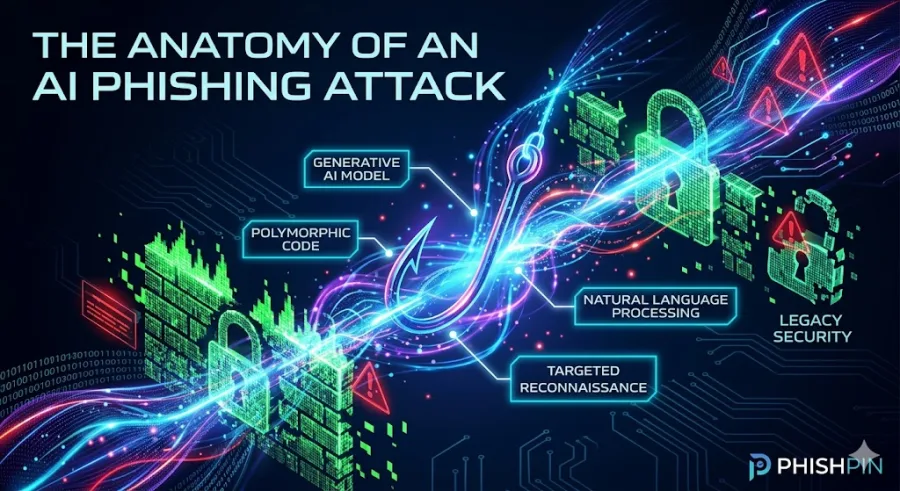
The Anatomy of an AI Phishing Attack: How Generative Cybercrime Bypasses Traditional Security
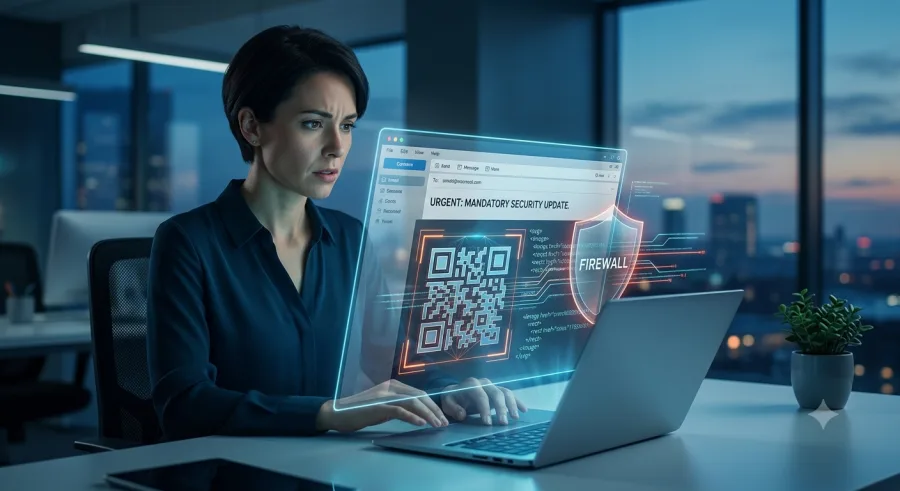
Traditional email security is failing. For decades, businesses trained employees to look for the classic warning signs of a phishing attempt: glaring typos, broken grammar, generic greetings, and poorly formatted logos.
But the rise of advanced Large Language Models (LLMs) has completely rewritten the cybercrime playbook. Today, threat actors are leveraging customized generative artificial intelligence to execute flawless, hyper-personalized social engineering campaigns at an industrial scale.
To protect your organization, you must understand how AI-driven phishing works, why legacy security filters miss it, and how to defend your perimeter against the next generation of digital deception.
What is AI-Driven Phishing?
AI-driven phishing is the use of generative artificial intelligence to automate, scale, and optimize social engineering attacks. Instead of manually writing individual bait emails, cybercriminals feed public OSINT (Open Source Intelligence) data into malicious AI models to create highly convincing, context-aware messages tailored to specific corporate targets.
Unlike the fragmented, obvious scams of the past, generative attacks are structurally perfect, making them virtually indistinguishable from legitimate corporate communications.
How AI Exploits Legacy Email Filters
Legacy Secure Email Gateways (SEGs) rely primarily on static defense mechanisms to block malicious traffic. Generative attacks slide right past these rules using three main tactics:
Evading Signature Matching: AI engines mutate the text structure, code layout, and wording of every single email sent. Because no two phishing messages share the same digital fingerprint, standard signature-based security systems cannot recognize the pattern.
Bypassing Keyword Blacklists: Instead of using obvious red-flag phrases like "Urgent Wire Transfer," AI generates natural, fluid business prose that perfectly mimics standard internal HR or payroll updates.
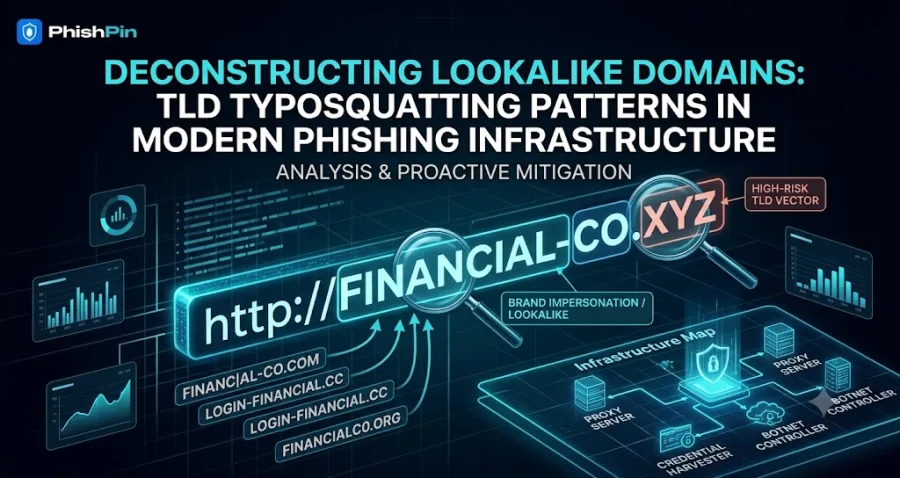
Leveraging Trusted Domains: Threat actors use AI to scan and identify long-abandoned, legitimate domains with high historical trust scores, using them to launch their authenticated campaigns.
Red Flags of an AI Phishing Attack
Because generative text lacks spelling errors, security teams must train employees to look for behavioral and contextual anomalies rather than mechanical mistakes:
Sudden Context Shifts: An email that references a real project you are currently working on, but asks you to submit deliverables or click a verification link via an external, third-party portal.
Urgency Wrapped in Polite Prose: AI phishing rarely sounds aggressive. Instead, it uses highly professional, apologetic language to subtly pressure you into bypassing standard operational verification procedures.
The "Out-of-Band" Pivot: Messages that request you to move an internal corporate conversation to a private channel, such as personal SMS, WhatsApp, or an unverified external video call link.
The Zero-Trust Communication Rule: Never rely on the visual, polished appearance of an email to verify its authenticity. If a digital request involves financial assets, credentials, or sensitive corporate data, always verify the request via a known, secondary out-of-band communication channel.
Building a Resilient Defense with PhishPin
Defending against generative threats requires shifting from a static security model to an active, behavioral verification framework.
Deploy Behavioral AI Security: Supplement legacy email gateways with advanced API-based security tools that analyze communication context and flag unusual behavioral anomalies.
Continuous Employee Simulations: Static, annual security training is obsolete. Organizations must run continuous, adaptive phishing simulations that mimic real-world generative threats to keep employee detection sharp.
Enforce Strict Out-of-Band Verification: Establish a mandatory internal protocol requiring secondary verification—such as a direct verbal or internal chat confirmation—for any unexpected request involving system credentials or financial transfers.
Is your brand being impersonated?
PhishPin finds lookalike domains, fake profiles and phishing kits that copy your brand - and gets them taken down. Get a confidential 24-hour audit.
Get my free audit