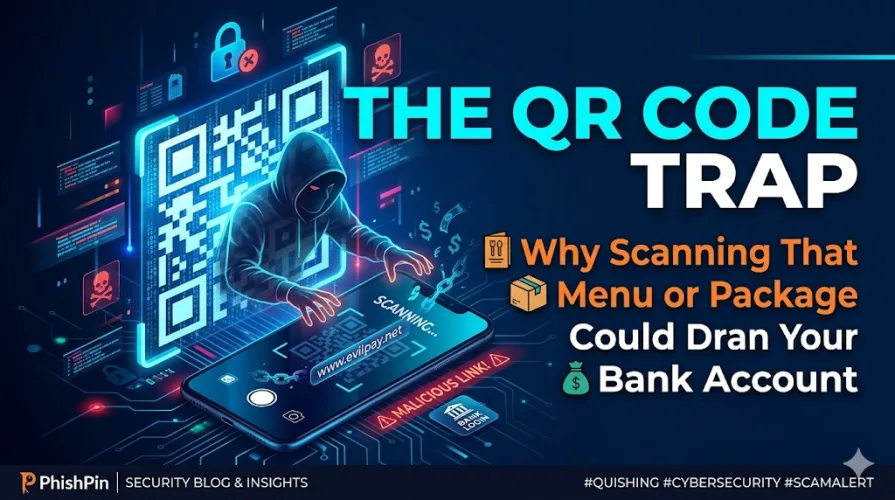
The QR Code Trap: Why Scanning That Menu or Package Could Drain Your Bank Account
Take a look at your phone. When was the last time you scanned a QR code? Maybe it was to view a digital menu at a restaurant, pay for parking, track a FedEx package, or log into a new app.
In 2026, QR codes are absolutely everywhere. They are convenient, contactless, and fast. But that exact convenience has created one of the fastest-growing, most dangerous cyber threats of the year.
Welcome to the era of Quishing (QR Code Phishing).
What is Quishing, and Why is it Exploding in 2026?
Quishing happens when scammers replace legitimate QR codes with malicious ones, or embed fake QR codes inside urgent emails and text messages.
For years, email security filters have been incredibly smart at catching suspicious links and phishing text. But security filters look at text—they struggle to read the hidden URLs embedded inside a visual QR code image. Hackers realized this massive loophole. By converting their malicious links into QR codes, they bypass your email security completely, delivering the trap straight to your inbox or smartphone.
Once you scan the code, you are instantly redirected to a flawlessly spoofed login page designed to steal your bank details, corporate credentials, or automatically download stealth malware onto your device.
The Most Common "Quishing" Scams to Watch Out For Right Now
The Parking Meter Bait: Scammers stick fake QR code decals directly over the real QR codes on public parking meters. Drivers scan it thinking they are paying for parking, but they are actually handing their credit card info directly to fraudsters.
The "Urgent Package" Delivery Hook: You get an email or a slip on your door claiming a package couldn't be delivered. It urges you to "Scan the QR code within 24 hours to reschedule." The urgency forces you to act before you think.
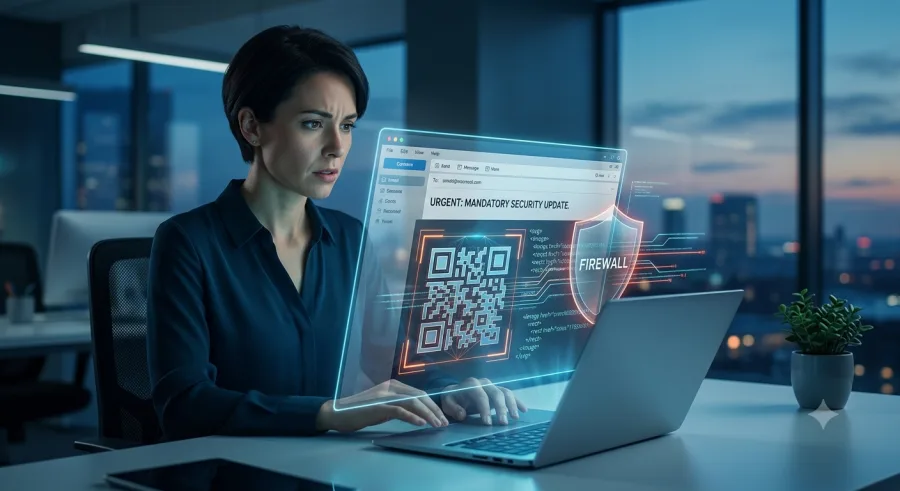
The Multi-Factor Authentication (MFA) Bypass: This is hitting businesses hard. Hackers send an email pretending to be the IT department, telling employees they must scan a QR code to update their company authentication or Microsoft 365 passwords.
How to Protect Yourself: 3 Rules for the QR Code Era
You don't need to stop scanning QR codes entirely, but you do need to update your digital hygiene:
Inspect Before You Scan: If you are scanning a physical QR code (like at a restaurant or parking meter), feel the paper. Is it a sticker pasted over the original? If it looks tampered with, don't scan it.
Preview the URL: When you scan a QR code, your smartphone camera will show a preview of the website link before opening it. Look closely. If you expect fedex.com but the preview says fedex-security-update-2026.net, close it immediately.
Never Scan QR Codes from Emails: If an email from your bank, Netflix, or employer asks you to scan a QR code to fix an account issue, it’s almost certainly a scam. Go to the official website directly through your browser instead.
As hackers shift from text to visuals, your eyes are your best defense. Stay alert, inspect the link, and think twice before you scan.
Is your brand being impersonated?
PhishPin finds lookalike domains, fake profiles and phishing kits that copy your brand - and gets them taken down. Get a confidential 24-hour audit.
Get my free audit